Raspberry Pi

System on Chip (SoC)
• What is System on Chip?
– A complex IC that integrates the major functional elements
into a single chip or chipset.
• programmable processor
• on-chip memory
• accelerating function hardware (e.g. GPU)
• both hardware and software
• analog components
Benefits of SoC
– Reduce overall system cost
– Increase performance
– Lower power consumption
– Reduce size
SoC in Raspberry Pi: Broadcom
BCM2835 SoC Multimedia processor
• CPU
– ARM 1176JZF-S (armv6k) 700MHz
– RISC Architecture and low power draw
– Not compatible with traditional PC software
• GPU
– Broadcom Video IV
– Specialized graphical instruction sets
• RAM
– 512MB (Model B rev.2)
– 256 MB (Model A, Model B rev.1)
Connecting a Display and Audio
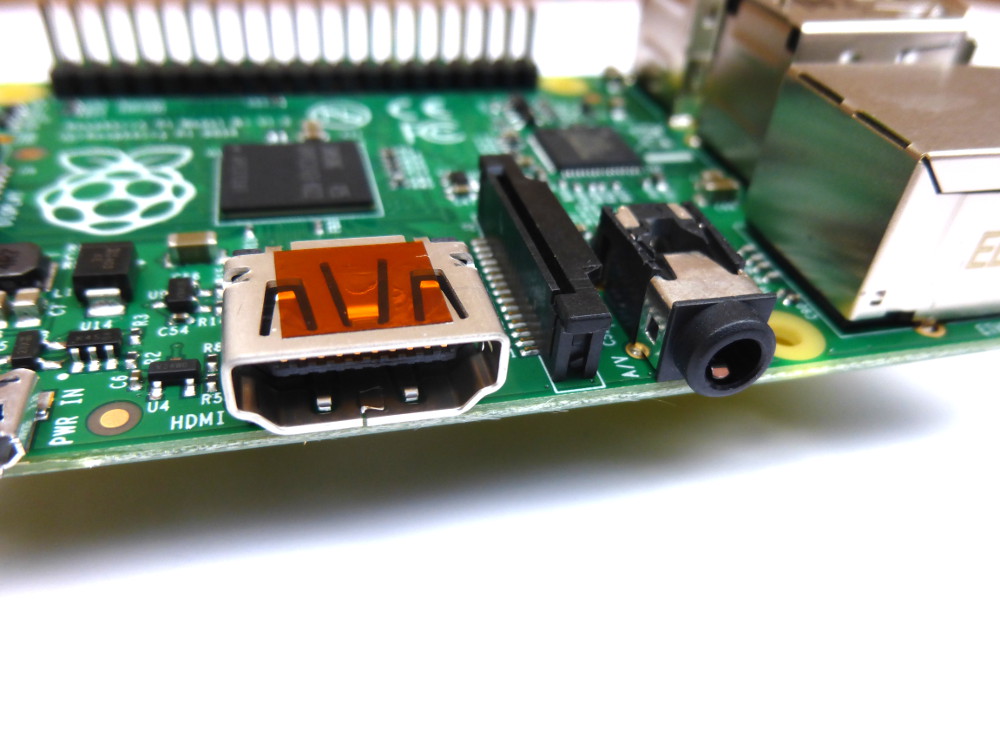
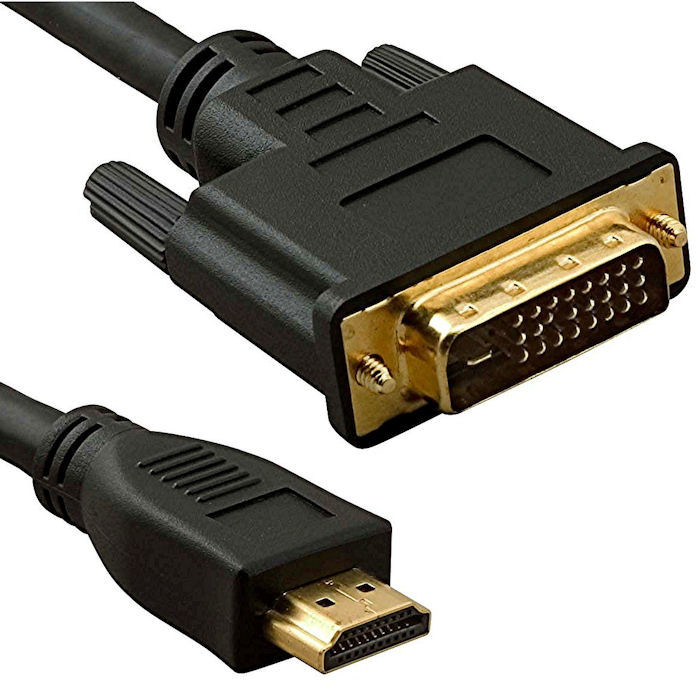
• HDMI
– Digital signal
– Video and audio signal
– DVI cannot carry audio signal
– Up to 1920x1200 resolution
• Composite RCA
– Analog signal
– 480i, 576i resolution
• 3.5mm jack


Universal Serial Bus
• Two USB 2.0 ports in RPi
• Buy a powered USB hub
Passive models are cheaper and smaller, but lack the ability to run currenthungry
devices like CD drives and external hard drives

Storage: Secure Digital (SD)
• Form factor
– SD, Mini SD, Micro SD
• Types of Card
– SDSC (SD): 1MB to 2GB
– SDHC: 4GB to 32 GB
– SDXD up to 2TB
The card should be at least 2GB in
capacity to store all the required files

Networking

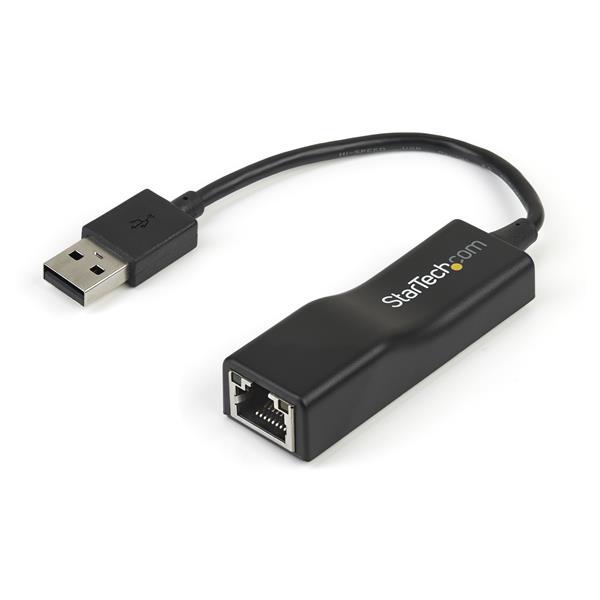
USB Ethernet Converter
IEEE 802.11 Wi-Fi
– Protocols
• 802.11 b, up to 11Mbps
• 802.11 g, up to 54Mbps
• 802.11 n, up to 300Mbps
• 802.11 ac (draft), up to
1Gbps
– Frequency band
• 2.4GHz, 5GHz
Low Speed Peripherals
• General Purpose
Input/Output (GPIO)
– Pins can be configured to
be input/output
– Reading from various
environmental sensors

• Ex: IR, video,
temperature, 3-axis
orientation, acceleration
– Writing output to dc
motors, LEDs for status
Power Consumption
• microUSB power connector
– 2.5W (model A)
– 3.5W (model B)
• Powered USB hub
– To provide more power for USB peripherals

No comments:
Post a Comment